
Pharmacy point-of-sale (POS) systems combine retail checkout functions with pharmacy-specific dispensing tools to support both medication distribution and consumer sales. These systems typically link a sales register to prescription records, barcode scanning, inventory control, and payment processing so that front-end retail transactions and back-end dispensing tasks share a consistent data set. In neutral terms, an integrated pharmacy POS may coordinate prescription validation, price calculations, and cash or electronic payments alongside retail SKU sales, reducing duplicated data entry and helping staff access customer and medication information within a single interface.
Integration in pharmacy POS environments often includes connections to electronic prescribing, clinical decision support modules, and third-party reimbursement or claims gateways. Such links can streamline workflows by making insurance adjudication, refill authorizations, and labeling data more readily available at the point where a prescription is finalized. Integration may also permit consolidated reporting across retail and clinical functions, enabling pharmacies to reconcile sales, monitor controlled-substance dispensing patterns, and manage purchase orders for both over-the-counter and prescription stock from a unified system.
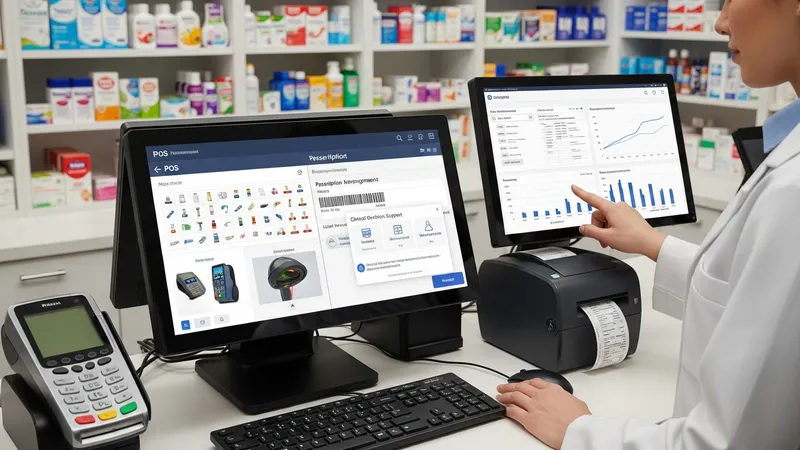
Pharmacy POS systems may differ by how they handle controlled-substance monitoring, automated refill workflows, and point-of-sale payment capture. Some systems include hardware support for barcode scanners and automated dispensing cabinets, while others emphasize cloud synchronization and remote access. When comparing functional areas, consider that inventory modules typically record batch and expiry data, payment modules handle tax and tender types, and dispensing modules must retain audit trails for regulatory compliance. These components often interact so that a sale transaction updates inventory quantities and the dispensing log simultaneously.
Reporting and analytics functions in pharmacy POS contexts often aggregate sales, dispensing counts, and inventory turnover metrics to support operational decisions. Reports may be scheduled to extract prescription fill histories, over-the-counter sales trends, and supplier order statuses. Where regulatory reporting is required, systems can often generate records suitable for audits, such as dispensing logs for controlled substances or payment reconciliation for insurance claims. Such outputs may be exported in common formats for review or archival purposes.
Security and access control are generally important in pharmacy POS environments because patient records and prescription histories contain sensitive information. Systems typically implement role-based permissions, user authentication, and audit logging so that staff actions are traceable and data exposure is limited to authorized personnel. Data protection measures may include encrypted storage and secure network communications to reduce the risk of unauthorized access while supporting legitimate dispensing and point-of-sale tasks.
Operationally, an integrated POS may influence pharmacy workflow design by consolidating tasks that were once split between separate retail and dispensing systems. For example, a single transaction can update a patient profile, decrement stock, record a prescription fill, and process payment in a sequential flow. Staff training and workflow mapping often accompany deployment so that pharmacists and technicians understand when to verify prescriptions, how to handle insurer rejections at checkout, and how to reconcile discrepancies between physical stock and system records.
In summary, pharmacy POS systems that integrate dispensing and retail sales functions aim to centralize data, reduce duplicate entry, and provide a consistent operational record across both clinical and retail activities. These systems may support inventory control, e-prescribing interfaces, payment processing, and reporting features that together help manage daily pharmacy operations. The next sections examine practical components and considerations in more detail.
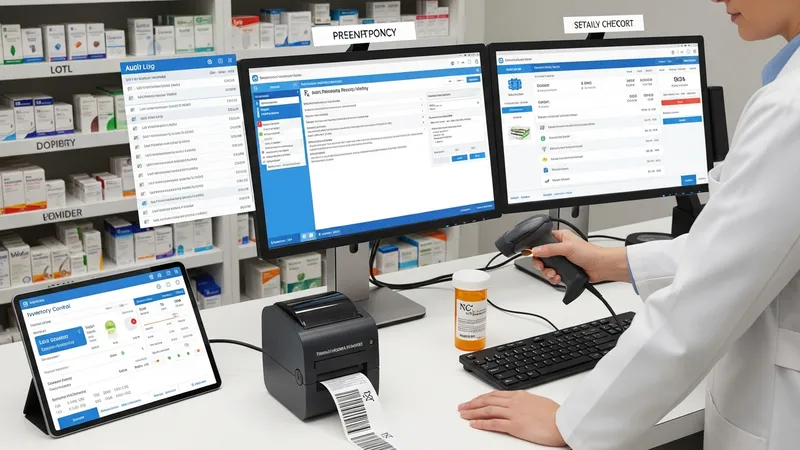
Core components typically found in pharmacy POS systems include prescription management, retail checkout, inventory control, barcode scanning, and reporting. Prescription management modules often store patient profiles, prescription histories, dosing instructions, and label templates. Retail checkout provides sales transaction processing for over-the-counter items and non-prescription goods, handling taxes and payment types. Inventory control may track quantity on hand, reorder points, lot numbers, and expiry dates. Barcode scanning is commonly used for SKU verification and dispensing checks. Reporting functions aggregate transaction and dispensing data for operational review and audit purposes.
Prescription management within a POS environment may integrate with e-prescribing systems or accept manual entries for prescriptions received on paper. This integration can facilitate medication verification by matching scanned barcodes or NDC codes to stored prescription records. Staff workflows often include verification steps where a pharmacist confirms dose and patient identity before dispensing, and the system may record who performed each step. These records can be useful for internal quality controls and for meeting regulatory audit requirements.
Inventory control in pharmacy POS systems may use real-time adjustments so that a sale or a dispensed prescription immediately updates stock counts. Systems typically offer purchase-order generation and receiving modules that mark incoming stock and reconcile expected versus received quantities. Some systems can flag low-stock or expired items, and may support periodic inventory cycles or full physical counts. These features often help align purchasing decisions with actual dispensing and sales patterns, reducing overstock or stockouts.
Reporting modules often provide scheduled or on-demand extracts of sales and dispensing activity, supporting financial reconciliation and operational analysis. Typical reports may include daily sales summaries, controlled substance dispensing logs, and inventory turnover rates. Reports can often be filtered by date range, product category, or prescriber, and may export to common formats for external review. These outputs may assist in compliance checks or supplier negotiations by presenting historical usage and sales patterns.
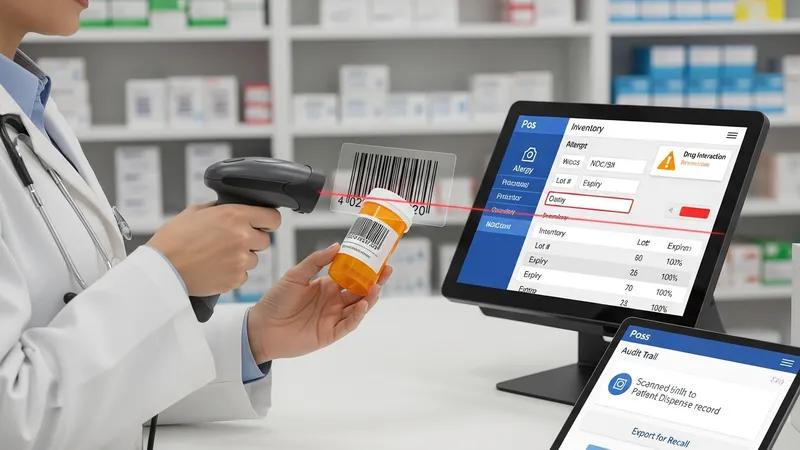
Barcode scanning commonly serves two purposes in pharmacy POS systems: verifying medication at the point of dispensing and speeding retail checkout. Scanning a barcode that maps to a drug’s NDC or SKU can prompt the system to check for interactions, check patient allergies (if linked to a clinical module), and record the specific item dispensed for lot tracking. Barcode-driven workflows may reduce manual transcription errors and create a clear audit trail linking a particular product batch to a patient encounter.
Lot and expiry tracking are often integral to pharmacy inventory control within POS systems, enabling recalls or targeted removals of specific batches. When a product is received, systems may record lot numbers and expiry dates; subsequent dispensing or retail sale decrements inventory for the same lot. These records can support traceability during supplier notifications or recalls, and may be exported for regulators or quality management processes. Maintaining accurate receiving and dispensing entries is typically important to preserve these traceability benefits.
Stock replenishment features in POS systems often use reorder points or consumption patterns to suggest purchase quantities. Systems may calculate typical usage rates over recent periods and propose orders to restore target stock levels. Some setups allow integration with supplier catalogs to create purchase orders directly from the POS interface, while others provide alerts for manual ordering. Such features may help align procurement with demand, though human review commonly remains part of the decision process.
Physical inventory procedures remain relevant even with automated tracking: periodic cycle counts and full inventory audits may be necessary to reconcile differences between system records and on-hand stock. Discrepancies can arise from expired items, theft, manual entry errors, or split packs. Systems typically log adjustments and reasons, and an organized cycle-count schedule can reduce large variances. These practices support accurate reporting and can inform process improvements in receiving, storage, and dispensing.
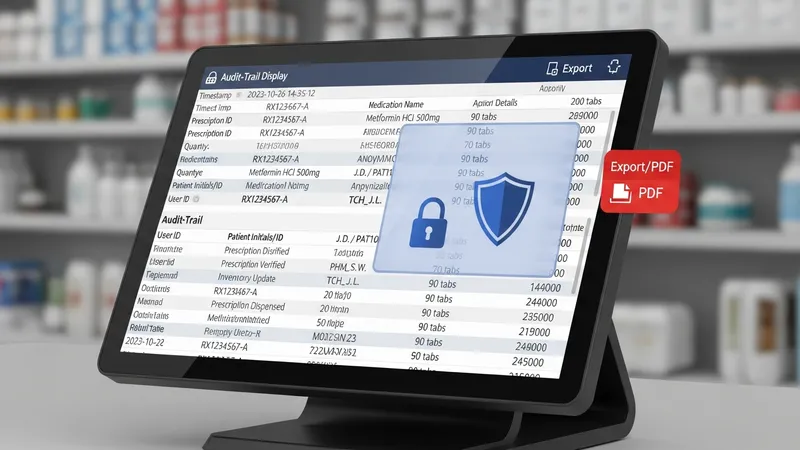
Regulatory compliance considerations often influence how pharmacy POS systems manage prescription records, controlled substances, and patient privacy. Systems may maintain audit trails that capture user identities, timestamps, and action details for each dispensing event. For jurisdictions requiring scheduled substance reporting, systems can often produce exports or formatted reports that align with regulatory requirements. Maintaining complete and accurate logs may assist pharmacies during inspections or internal reviews without implying any specific regulatory outcome.
Data privacy and security are frequent priorities when POS systems handle patient information. Systems often implement role-based access control, password policies, and activity logs so that only authorized personnel can view or modify protected health information. Secure network communication and encrypted storage are commonly recommended practices to limit exposure to unauthorized access. When integrating with external services, secure interfaces and contractual safeguards may be used to manage data handling expectations.
Claims submission and reimbursement reporting typically require accurate capture of payer information, NDCs, quantities, and patient demographics. POS systems integrated with claims gateways can often produce transaction records suitable for insurer adjudication and can store responses for reconciliation. Reversals and adjustments are commonly supported to correct errors. Such features aim to reduce manual reconciliation workload, though staff oversight may still be needed for complex denials or manual payer requirements.
Audit readiness often benefits from structured documentation and accessible reporting. Systems may permit scheduled exports of dispensing logs, financial summaries, and inventory movements that auditors or compliance officers can review. Standardizing naming conventions, documenting workflow procedures, and training staff on proper data entry can reduce inconsistencies in system records. These practices may facilitate more efficient internal reviews and external compliance checks.
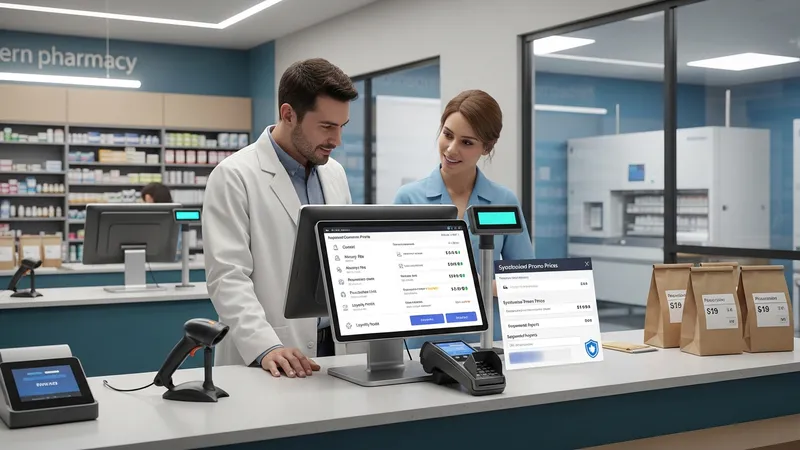
Workflow integration addresses how pharmacy POS systems support coordinated tasks across front-store retail and the dispensary. Typical integrations include shared customer profiles that consolidate purchase histories and prescription records, and synchronized pricing so that promotions on over-the-counter items are reflected at checkout. When workflows are designed to align with system capabilities, staff may process prescriptions and retail sales with fewer context switches, which can contribute to efficiency in routine operations.
Customer records within an integrated POS may include contact details, allergy flags, insurance information, and purchase histories. These records can support services such as refill reminders or loyalty programs when managed under privacy-compliant policies. Linking purchases to a single customer profile may also help with returns and refunds, maintaining a clear transactional history. Systems often allow segmentation of customer data for reporting while safeguarding private health details according to applicable privacy standards.
Payment processing in pharmacy POS contexts often needs to handle multiple tender types and split payments, including cash, card, and insurance adjudication. Integrated systems can capture co-pay amounts, process third-party payments, and record declined transactions while maintaining a clear trail for reconciliation. Payment modules may also support deferred charges for prior-authorized fills or layaway-like arrangements, although operational policies determine how such features are applied.
Implementing integrated POS systems can involve change management considerations such as staff training, process mapping, and phased rollouts. It may be useful to pilot new workflows in limited settings to observe interaction patterns and refine procedures. Ongoing evaluation of system logs and user feedback can guide incremental improvements to match practical pharmacy operations. These considerations help align technical capabilities with day-to-day dispensing and retail sales activities without implying a single prescriptive approach.